
Kids are endlessly curious, and they soak up everything like sponges. When teaching them, it is so helpful to provide them with images. No matter what they are learning an image can help them remember it. There are many different blogs, articles, and research studies even look into it.
This is why it is so important as teachers to use graphics and to even learn how to create their own. A graphic is an image meant to inform, illustrate, or entertain a wall, canvas, screen, stone, or paper. Graphics are a great way to help illustrate or draw connections between an image and the information that you are teaching.
There are many different platforms that let you create your own graphics. I personally like to use Canva. It is a very user friendly site that also has tutorials and premade templates ready to use for everything from Instagram stories to slide show presentations. I have already used it for a couple of different things myself. I had to go teach a math lesson so I used it to create fun colourful slides. There is a downfall to Canva which is in order to access all the features you do need to buy a membership which is $150 for the year, but it does come with a one month free trial. I think it is a great tool to have in the classroom as a teacher to help create slides, blog banners, documents and so much more.
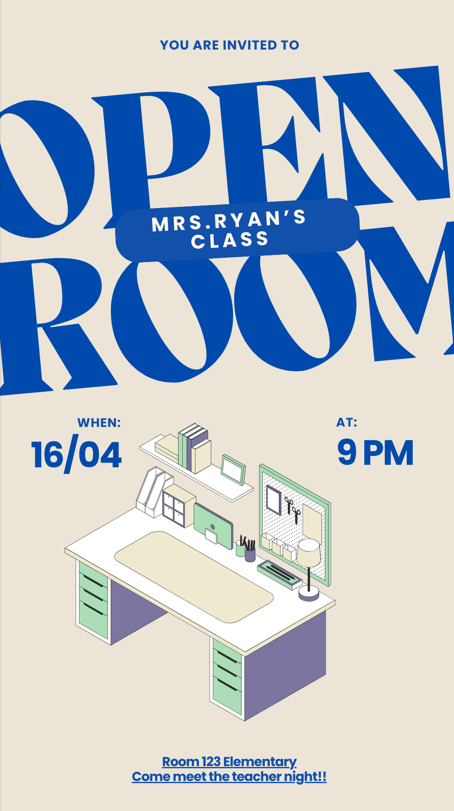
Below you will find three samples of work I have done with Canva:

(The header image is from FreePics)
Sorry, but comments are not enabled on this site.